
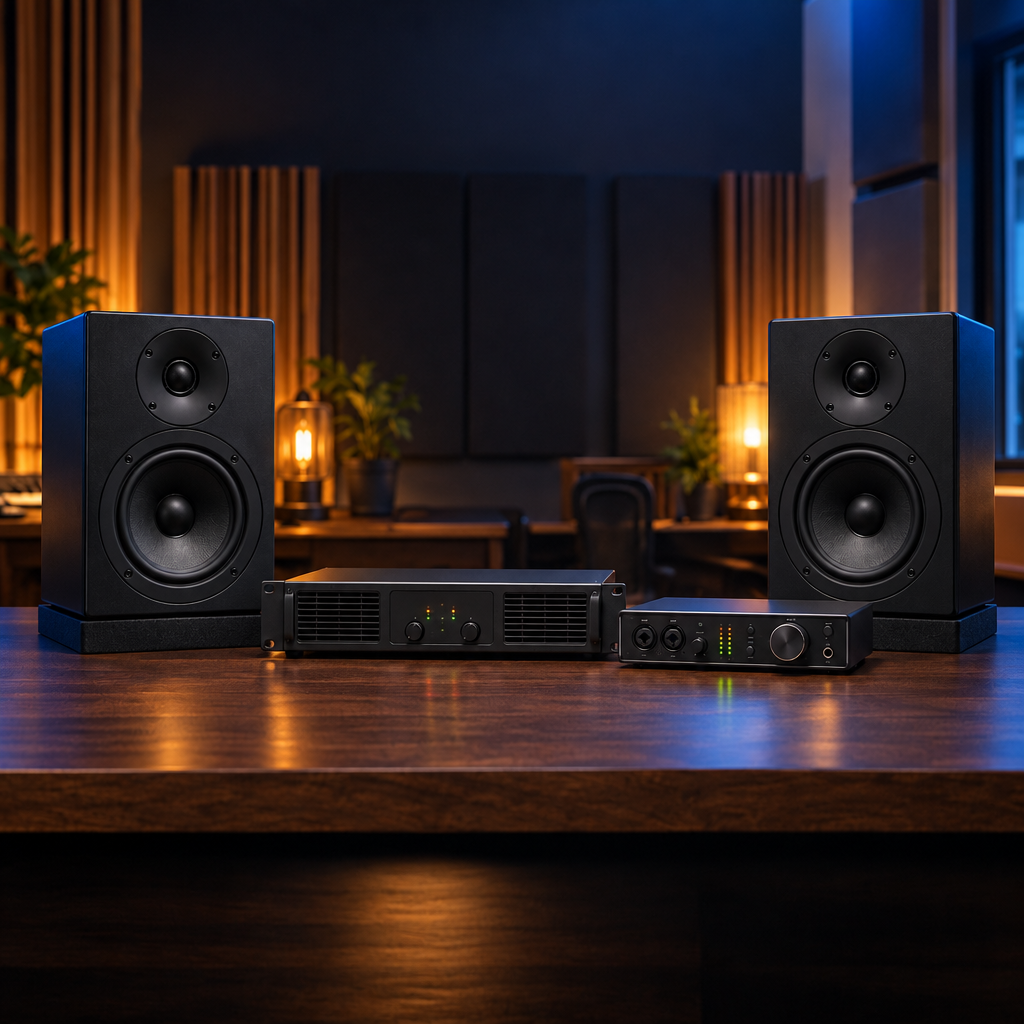
Choosing studio monitors is about more than driver size or price. Before you buy, there’s one practical question to answer: do these speakers have their own amplifiers, or will you need external amplification?
That difference affects your connections, equipment list, and total system cost. Here’s how powered and passive studio monitors compare, and what to check before you build your setup.
The Short Answer: Where Is the Amplifier?
A powered studio monitor has amplification built into the speaker. A passive studio monitor needs an external power amplifier. Both can be part of a professional monitoring system. The right choice depends on how you want to connect, control, and install your speakers.
Neither design automatically makes a speaker more accurate. The monitor’s design, placement, room acoustics, and system setup all affect what you hear.
Powered Studio Monitors: A Straightforward Setup
Powered monitors combine the speaker and amplification in one enclosure. Many use an active crossover and separate amplification for different drivers, though the exact design varies by model.
For a typical setup, your audio interface or monitor controller sends a line-level signal to each monitor. Each speaker also needs power. You don’t need to select a separate power amplifier, which makes this approach appealing for home studios, editing rooms, and desktop production spaces.
What You’ll Usually Need
- A pair of powered monitors for stereo listening.
- An audio interface or other source with suitable line-level outputs.
- Audio cables that match the source outputs and monitor inputs.
- Power connections for the monitors.
- Suitable stands or isolation supports and a way to control listening volume.
Check the actual input connections before ordering cables. Balanced XLR and 1/4-inch TRS connections are common, but not every monitor or source offers the same connectors. A connector’s shape alone doesn’t establish the signal type.
Passive Studio Monitors: A System-Based Approach
Passive monitors rely on an external power amplifier to drive the speakers. In a conventional passive setup, the signal travels from your interface or monitor controller to the amplifier, then from the amplifier to the speakers through speaker cable.
This approach can suit studios with existing amplification or installations that keep amplifiers centrally located. It also makes amplifier compatibility an essential part of the buying decision.
What You’ll Usually Need
- Passive monitors in the quantity your system requires.
- A compatible power amplifier with enough channels.
- An audio interface, monitor controller, or other suitable source.
- Line-level cables between the source and amplifier.
- Speaker cables and the correct speaker-side connectors.
- Any processing, tuning, or mounting hardware required by the monitor manufacturer.
Don’t connect a passive monitor directly to an audio interface’s line output. A line output is not a speaker power amplifier. Also, don’t feed a power amplifier’s speaker output into a powered monitor’s line-level input.
Some Installed Monitors Need More Than an Amplifier
Not every externally amplified monitor is a simple speaker-and-amplifier pairing. Some professional monitoring systems require specified processing or tuning as part of their intended configuration. Follow the manufacturer’s system requirements rather than choosing an amplifier on wattage alone.
The JBL LSR705i is an example worth checking carefully. This compact 5-inch monitor is designed for centrally amplified and tuned post-production and broadcast systems. Its Phoenix terminals accept speaker wire, and its enclosure includes mounting points for installed applications. It is not a standalone powered desktop monitor.
When evaluating an installed system, confirm the approved amplification and processing configuration, channel count, mounting requirements, and cabling before placing your order.
Which Type Makes Sense for Your Studio?
For a first home studio or a compact editing setup: powered monitors are often the simpler starting point. Built-in amplification reduces the number of separate components you need to choose and connect.
For a studio with an existing amplifier: passive monitors may make sense, provided the amplifier meets the speakers’ impedance, power, and system requirements. Compatibility matters more than simply reusing equipment you already own.
For a broadcast, post-production, or immersive installation: consider the complete monitoring architecture. Speaker placement, amplification, processing, cable runs, mounting, and volume control need to work together. Powered and centrally amplified systems can both be appropriate, depending on the design.
Check These Details Before You Buy
- Single speaker or pair? Confirm the listing quantity. A stereo setup needs two monitors, and many professional models are sold individually.
- Total system cost: Include amplification, processing, cables, stands, and mounting hardware, not just the speaker price.
- Connections: Verify signal types and connectors at every stage. Line-level audio cables and speaker cables serve different purposes.
- Room and placement: Choose monitors for your listening distance and available space. Budget for acoustic treatment where needed.
- Amplifier compatibility: For externally amplified monitors, follow the manufacturer’s recommendations for impedance, power, and processing.
- Volume control: Plan how you’ll adjust listening levels conveniently and safely.
Build the Right System, Not Just a Bigger Equipment List
The best choice is the one that fits your room, workflow, and complete signal chain. Powered monitors offer a convenient path to a working studio. Passive and centrally amplified systems offer other installation options, but require careful system matching.
Explore our studio monitors and JBL studio monitors to compare options. If you’re unsure what a particular model requires, contact Performance Audio before ordering so you can confirm the amplification, connections, and accessories for your setup.