
Your source for Computer Audio
Digital Audio Workstation (DAW) Software & Hardware
Are you just starting out and designing your first studio setup? You can build your dream recording studio at Performance Audio and you can start by choosing the right audio interface and production software.
Computers
In the digital age, computers are at the center of just about every aspect of our lives. Audio is definitely no exception. Computers are the destination for your audio recordings, the tool for your audio editing, and of course, the source of your audio playback.
Audio Interfaces
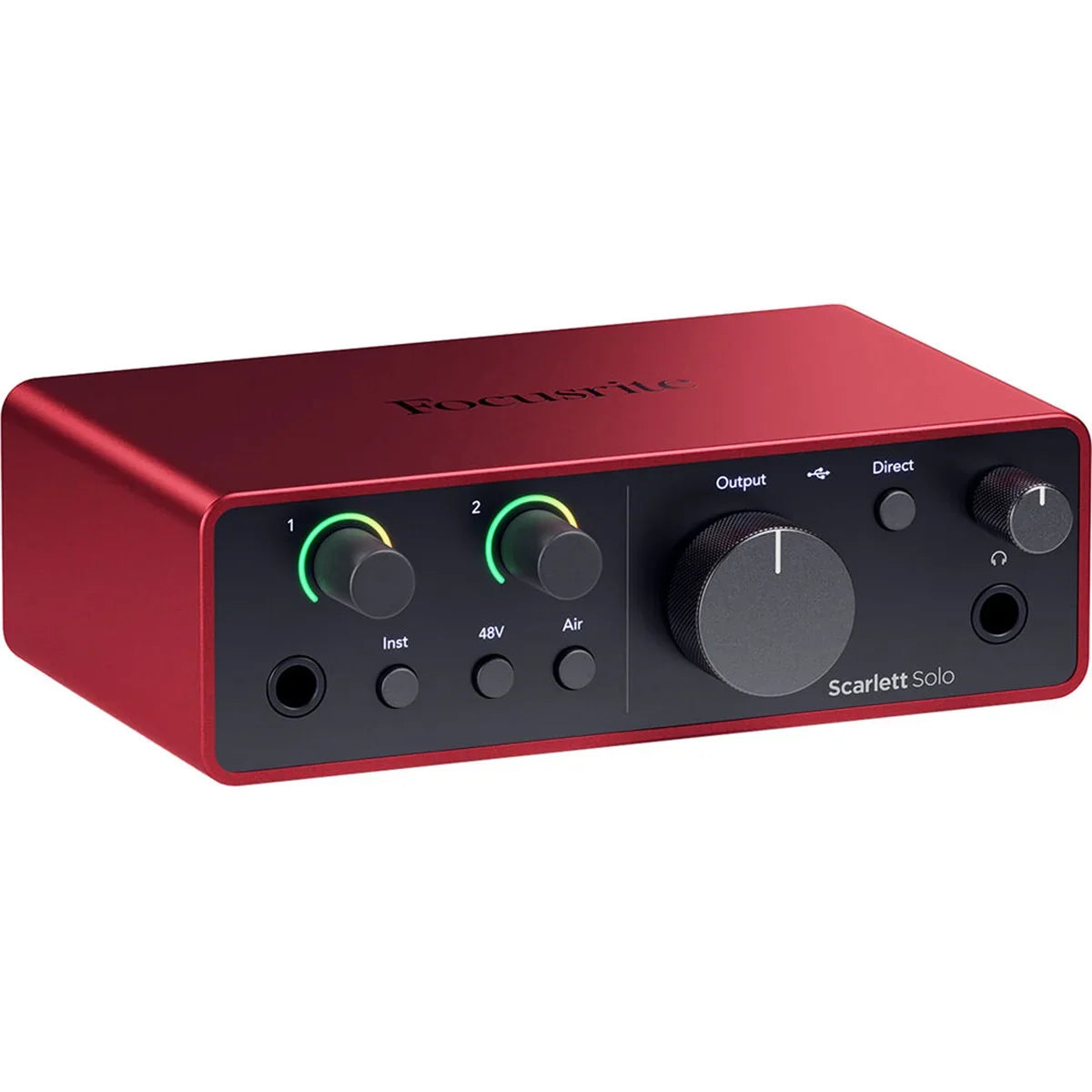
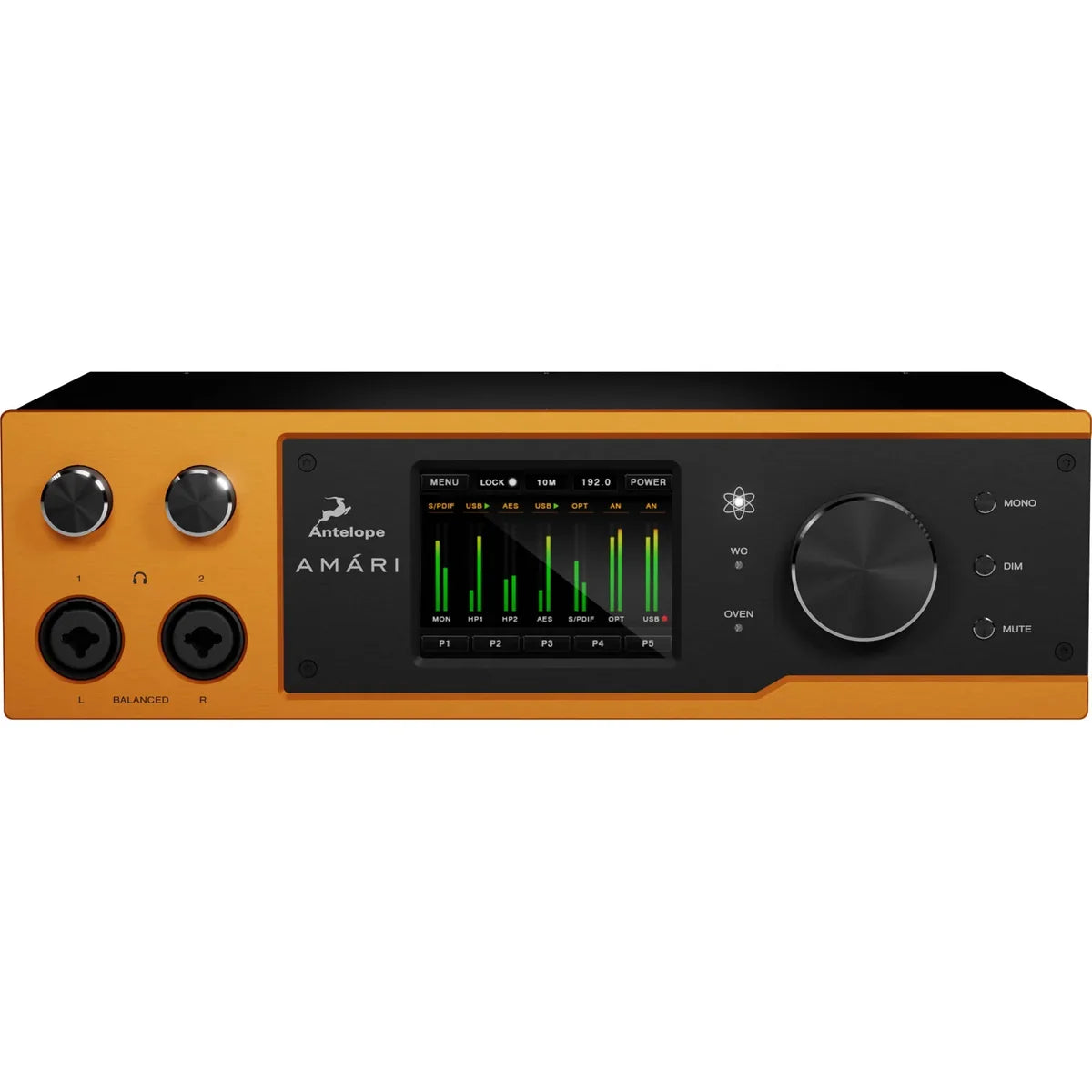
Audio interfaces are the main method to get audio from your favorite source into your computer for editing or inclusion in post-production. Performance Audio has great audio interfaces to meet every need and the staff to help you get the most out of your gear.
Audio Software
And of course you can't do much without software. Performance Audio is the best source for all your audio editing software and plug-ins. Pro Tools, Cubase, Reason, PreSonus, Waves and McDSP, we've got them all and the USB keys for your software authorizations too!
Don't know what you need? Give us a call today! Performance Audio is all about great sound, your audio is our passion and we are here to help! Many of us record, edit and produce different types of music and media so we can relate to the challenges and desires you have for creating something amazing.
Computer Audio Hardware
Choosing Audio Hardware for Macs or PCs
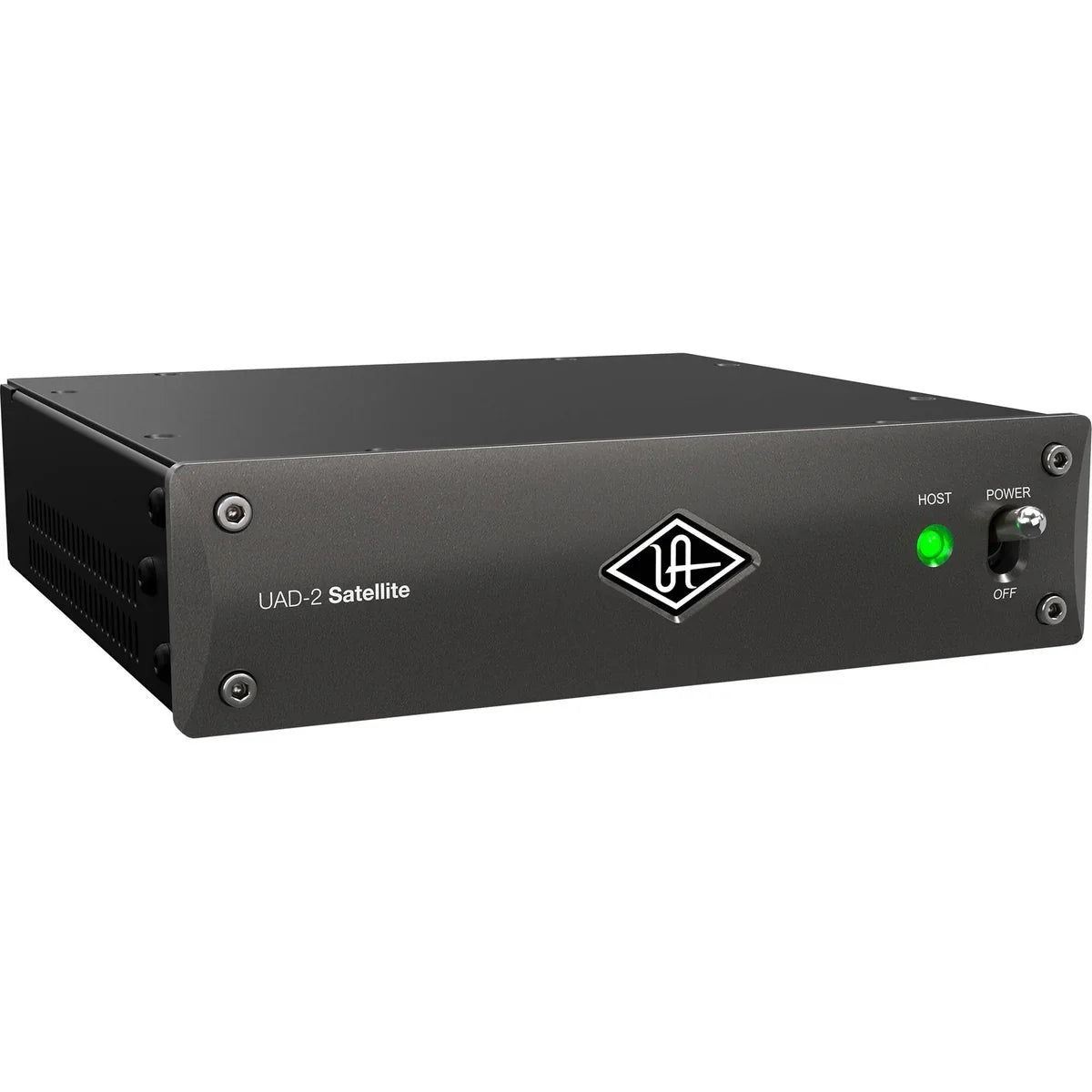
Computer audio interfaces provide the connection you need to create audio or music productions on a computer. A variety of interface configurations are available, from simple 1 or 2-channel devices to larger multi-channel versions capable of recording multiple performers across several tracks, live or in a studio.
Devices range in quality from consumer-grade home studio production to fully professional multi-track audio solutions and studio recording rigs. There are also mobile recording solutions for artists, producers, engineers, and sound professionals in the field.
When choosing an audio interface for a Mac or PC, explore the many connectivity choices. Consider the number of channels or simultaneous inputs you will need, and what's compatible with your existing hardware. Some of the connectivity options for recording with computer audio interfaces include: USB, FireWire, Thunderbolt and PCI/PCIe Sound Cards.
Analog to Digital Audio Conversion
Many home and professional recording studios use hardware to convert analog signals to digital audio. Analog is the audio that comes from electrical signals and digital audio is processed and sampled using computers or digital audio equipment. Once your audio is in digital format and on your computer, you can arrange and use it in mixes, scores, and other projects.
Analog signals come from sources such as: 1/8" & 1/4" audio/TRS/instrument cables, XLR microphone cables, and RCA cables
Digital audio connections can include: USB, FireWire, Thunderbolt, ADAT/Optical, Coaxial
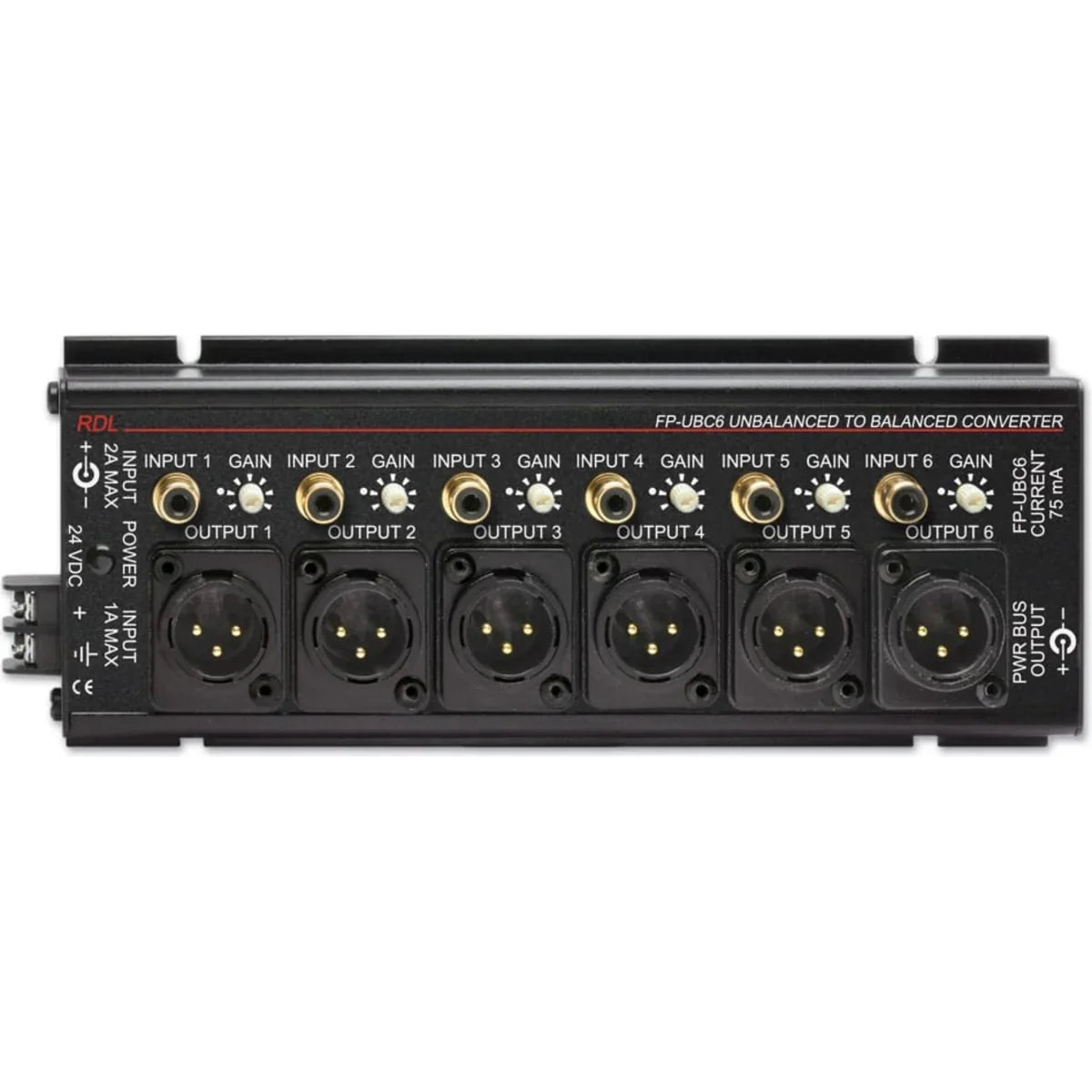
Many A/D and D/A converters (analog/digital audio converters) function well with any quality audio interface for Mac or PC. For instance, an A/D converter with RCA inputs and output to an audio interface would be useful to integrate with an analog audio mixer, allowing you to record musicians in a live mix.
MIDI Interfaces for Computers
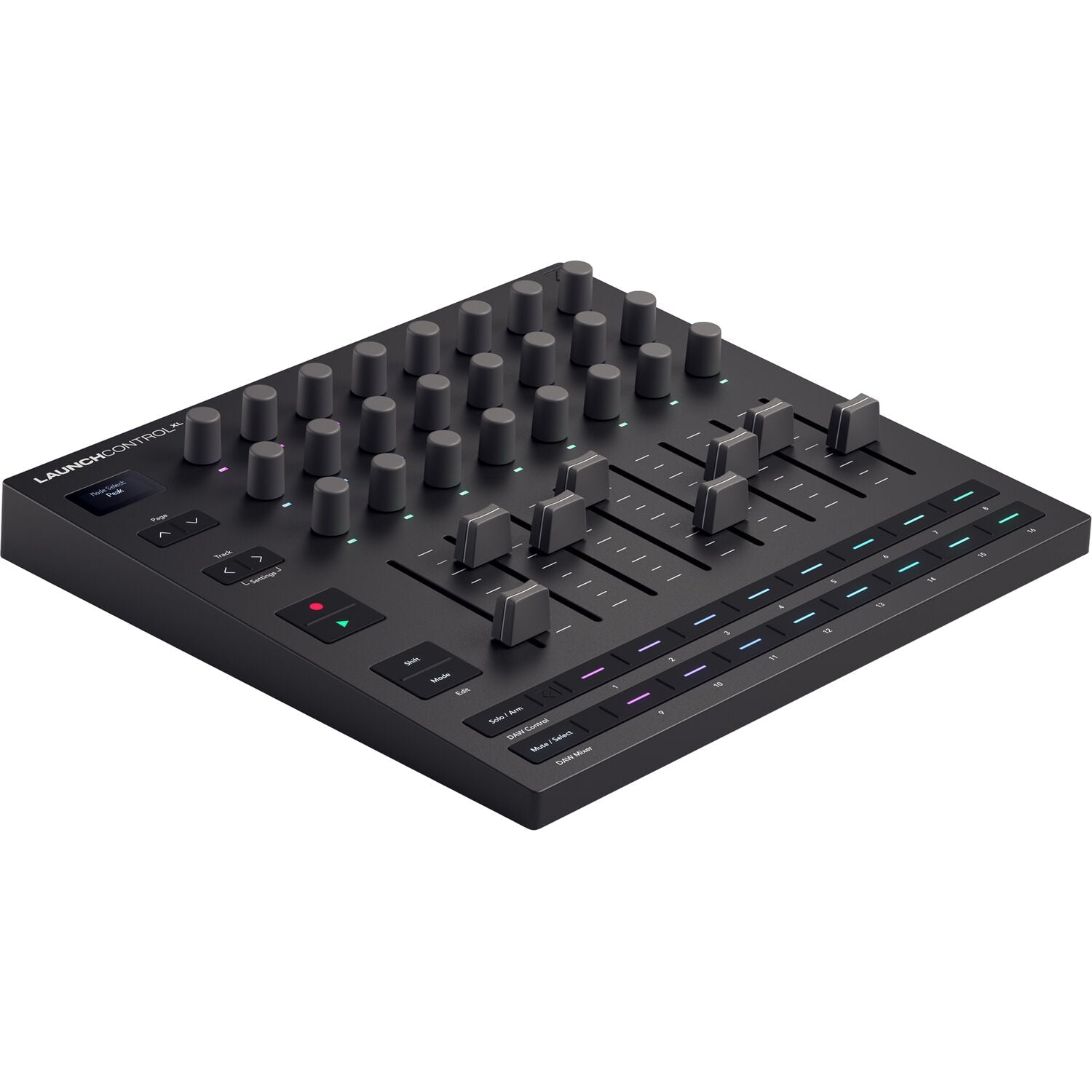
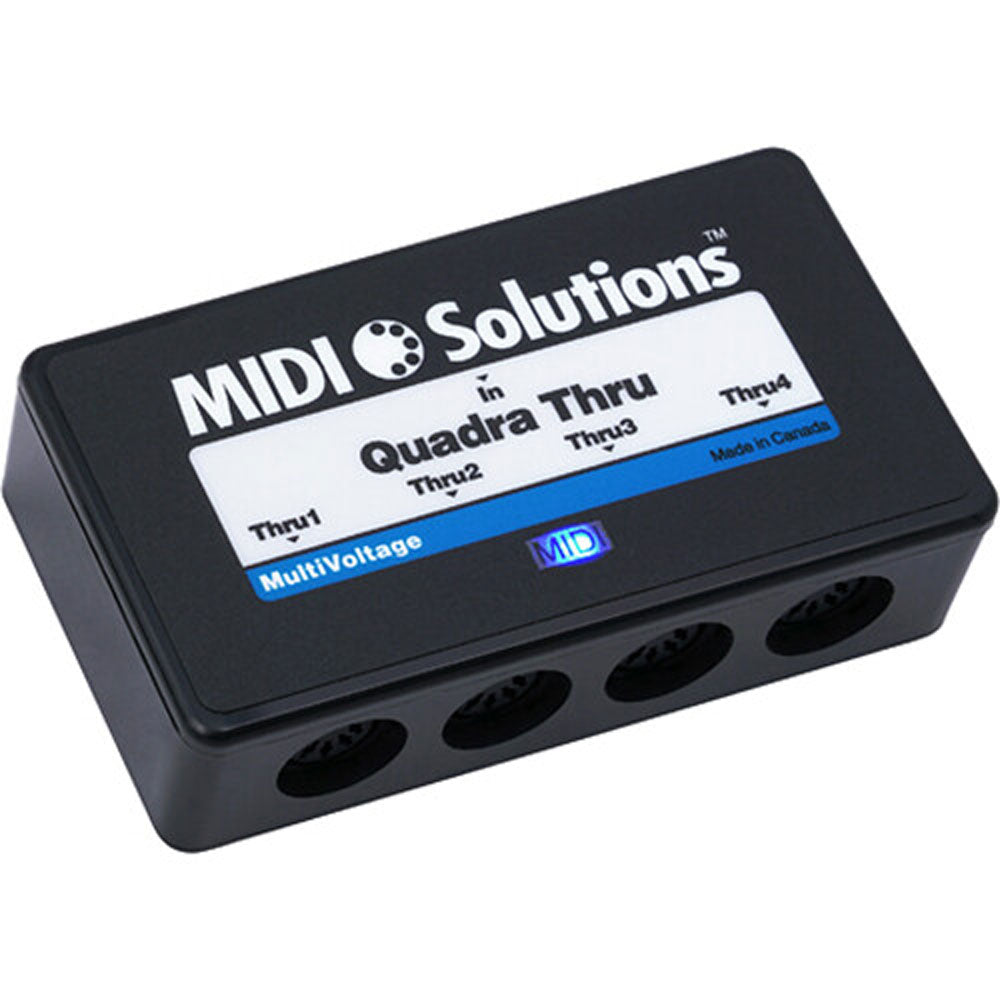
MIDI isn't the same as audio, although you can convert its output to digital audio. MIDI stands for Musical Instrument Digital Interface. Many digital instruments, controllers, and other gear include MIDI inputs or outputs. Keyboard, drum machines, and sample pad devices are common instruments whose outputs can be translated with data, including: Note, Key, Velocity, Sustain, Modulation, Volume, Pan, and Pitch.
MIDI computer interfaces can control many types of software and hardware, including soft samplers, soft synths, digital instruments, consoles, arrangers, workstations, other digital instruments, plug-ins/effects, software instruments, and even video mixing.